

<h1> Accessories </h1> <p> Networking solutions accessories primarily focus on accessories related to network solutions, including connectors, sensors, and circuit protection components. These components enable stable data transmission, power management, and device connectivity, and are widely used in cloud computing, the Internet of Things, and communications equipment. </p> <p> </p> <h2> 1. What are the Functions of Networking Solutions Accessories? </h2> <p> These accessories perform core tasks in network systems, such as connectors ensuring high-speed data transmission (such as Ethernet and USB connectors), sensors monitoring environmental parameters, and circuit protection components preventing overloads and short circuits, ensuring the reliable operation of network equipment. </p> <p> </p> <h2> 2. What are the Main Types of Networking Solutions Accessories? </h2> <p> <strong>Active Components</strong>: These components, such as integrated circuits and transistors, are used for signal amplification and control, supporting data processing and communication module optimization. </p> <p> <strong>Passive Components</strong>: These components, including resistors, capacitors, and inductors, provide fundamental support for signal stability and energy management. </p> <p> <strong>Specialized Accessories</strong>: High-frequency connectors (high-speed connectors are known as the "crown jewels") are suitable for 5G and server applications, while sensors are used to monitor network status in real time. </p> <p> </p> <h2> 3. What are the Application Scenarios of Networking Solutions Accessories? </h2> <p> In cloud computing data centers, these accessories enable server connectivity; in IoT devices, they support sensor data collection and transmission; and are also used in smart terminals and automotive electronics to improve network communication efficiency. </p> <p>
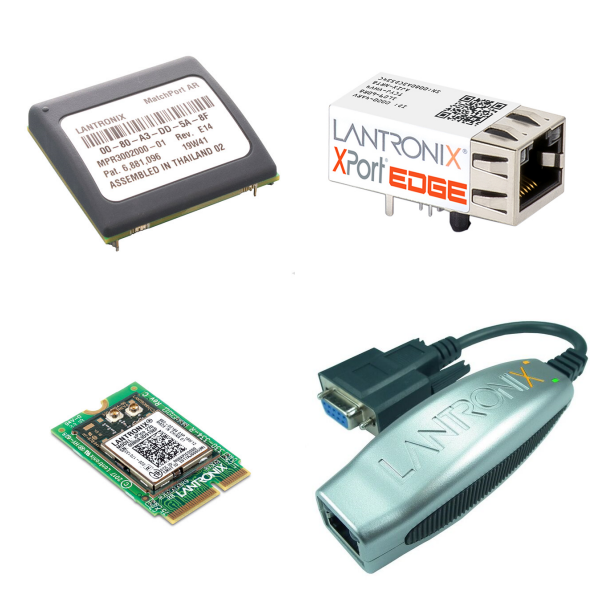
<h1> Gateways, Routers </h1> <p> "Gateways" and "Routers" are two key types of network interconnection devices, with both overlapping and significant differences in their functions and applications: </p> <p> </p> <h2> 1. What are the Core Functions of Gateways, Routers? </h2> <h3> 1) Gateway: </h3> <p> <strong>Protocol Conversion Core</strong>: Serves as a "translator" between different network protocols, enabling bidirectional conversion between protocols such as Modbus, Zigbee, TCP/IP, or MQTT. </p> <p> <strong>Heterogeneous Network Interconnection</strong>: Connects networks with completely different architectures or communication standards (such as industrial fieldbuses and cloud platforms). </p> <p> <strong>Advanced Data Processing</strong>: Supports data aggregation, edge computing, local caching, and network resiliency, commonly found in Industrial Internet of Things (IIoT) scenarios. </p> <p> </p> <h3> 2) Router: </h3> <p> <strong>Path Selection and Packet Forwarding</strong>: Based on IP addresses and routing tables, it selects the optimal transmission path between different networks (such as a home LAN and the Internet). </p> <p> <strong>Network Address Translation (NAT)</strong>: Maps the private IP addresses of multiple devices within a LAN to a single public IP address, enabling shared Internet access and concealing the internal topology. </p> <p> <strong>Basic Network Services</strong>: Integrates basic functions such as DHCP allocation, Wi-Fi access, and a firewall. </p> <p> </p> <h2> 2. Key Differences between Gateways and Routers </h2> <table> <tbody> <tr class="firstRow"> <td width="112" valign="top" style="padding: 0px 7px; border-width: 1px; border-color: windowtext; background: rgb(190, 190, 190);"> <p> Features </p> </td> <td width="260" valign="top" style="padding: 0px 7px; border-width: 1px; border-color: windowtext; background: rgb(190, 190, 190);"> <p> Gateway </p> </td> <td width="196" valign="top" style="padding: 0px 7px; border-width: 1px; border-color: windowtext; background: rgb(190, 190, 190);"> <p> Router </p> </td> </tr> <tr style="height:30px"> <td width="112" valign="top" style="padding: 0px 7px; border-left-width: 1px; border-left-color: windowtext; border-right-width: 1px; border-right-color: windowtext; border-top: none; border-bottom-width: 1px; border-bottom-color: windowtext;"> <p> Core Capabilities </p> </td> <td width="260" valign="top" style="padding: 0px 7px; border-left-width: 1px; border-left-color: windowtext; border-right-width: 1px; border-right-color: windowtext; border-top: none; border-bottom-width: 1px; border-bottom-color: windowtext;"> <p> Multi-protocol conversion, data format translation </p> </td> <td width="196" valign="top" style="padding: 0px 7px; border-left-width: 1px; border-left-color: windowtext; border-right-width: 1px; border-right-color: windowtext; border-top: none; border-bottom-width: 1px; border-bottom-color: windowtext;"> <p> IP routing, NAT translation </p> </td> </tr> <tr style="height:27px"> <td width="112" valign="top" style="padding: 0px 7px; border-left-width: 1px; border-left-color: windowtext; border-right-width: 1px; border-right-color: windowtext; border-top: none; border-bottom-width: 1px; border-bottom-color: windowtext;"> <p> Operating Layer </p> </td> <td width="260" valign="top" style="padding: 0px 7px; border-left-width: 1px; border-left-color: windowtext; border-right-width: 1px; border-right-color: windowtext; border-top: none; border-bottom-width: 1px; border-bottom-color: windowtext;"> <p> Transport layer and above (application layer focused) </p> </td> <td width="196" valign="top" style="padding: 0px 7px; border-left-width: 1px; border-left-color: windowtext; border-right-width: 1px; border-right-color: windowtext; border-top: none; border-bottom-width: 1px; border-bottom-color: windowtext;"> <p> Network layer (OSI layer 3) </p> </td> </tr> <tr style="height:29px"> <td width="112" valign="top" style="padding: 0px 7px; border-left-width: 1px; border-left-color: windowtext; border-right-width: 1px; border-right-color: windowtext; border-top: none; border-bottom-width: 1px; border-bottom-color: windowtext;"> <p> Deployment Scenarios </p> </td> <td width="260" valign="top" style="padding: 0px 7px; border-left-width: 1px; border-left-color: windowtext; border-right-width: 1px; border-right-color: windowtext; border-top: none; border-bottom-width: 1px; border-bottom-color: windowtext;"> <p> Industrial IoT (DCU), cross-system integration </p> </td> <td width="196" valign="top" style="padding: 0px 7px; border-left-width: 1px; border-left-color: windowtext; border-right-width: 1px; border-right-color: windowtext; border-top: none; border-bottom-width: 1px; border-bottom-color: windowtext;"> <p> home/enterprise network boundary </p> </td> </tr> <tr> <td width="112" valign="top" style="padding: 0px 7px; border-left-width: 1px; border-left-color: windowtext; border-right-width: 1px; border-right-color: windowtext; border-top: none; border-bottom-width: 1px; border-bottom-color: windowtext;"> <p> Typical Device </p> </td> <td width="260" valign="top" style="padding: 0px 7px; border-left-width: 1px; border-left-color: windowtext; border-right-width: 1px; border-right-color: windowtext; border-top: none; border-bottom-width: 1px; border-bottom-color: windowtext;"> <p> Protocol conversion gateway, smart meter concentrator </p> </td> <td width="196" valign="top" style="padding: 0px 7px; border-left-width: 1px; border-left-color: windowtext; border-right-width: 1px; border-right-color: windowtext; border-top: none; border-bottom-width: 1px; border-bottom-color: windowtext;"> <p> home wireless router, enterprise router </p> </td> </tr> </tbody> </table> <p> </p> <h2> 3. What are the Typical Application Scenarios of Gateways, Routers? </h2> <h3> 1) Gateway Applications: </h3> <p> <strong>Industrial Control Systems</strong>: Convert PLC Modbus data into the MQTT protocol and upload it to the cloud platform. </p> <p> <strong>Smart Meter Networks</strong>: The Data Concentrator (DCU) serves as the gateway between the meter and the master station system. </p> <p> <strong>Home Multimedia Centers</strong>: Compatible with ADSL/fiber access, integrating LAN control and content distribution (such as the ZXA10 device). </p> <p> </p> <h3> 2) Router Applications: </h3> <p> <strong>Home/Office Networks</strong>: Connect intranet devices to the internet, providing Wi-Fi coverage and security. </p> <p> <strong>Network Traffic Management</strong>: Prioritize bandwidth for video conferencing and online gaming through QoS. </p> <p> <strong>Remote Access Support</strong>: Enterprise-grade routers provide VPN tunnels to establish encrypted connections. </p> <p> </p> <h2> 4. Relationships and Collaborations of Gateways and Routers </h2> <p> <strong>Functional Inclusion</strong>: A router is a physical implementation of a gateway (for example, a home router acts as a gateway from a LAN to the internet). </p> <p> <strong>Collaborative Working Mode</strong>: In complex networks, routers are responsible for backbone data routing, while gateways focus on protocol conversion (for example, in IoT architectures, gateways connect to sensors, while routers connect to cloud platforms). </p> <p> </p> <h2> 5. Summary </h2> <p> The core value of gateways lies in enabling interoperability among heterogeneous systems (protocol/data format conversion), while routers focus on cross-network packet addressing and forwarding. In converged scenarios like the IoT and smart homes, the two are often deployed together to build a layered and efficient communication system. </p> <p>
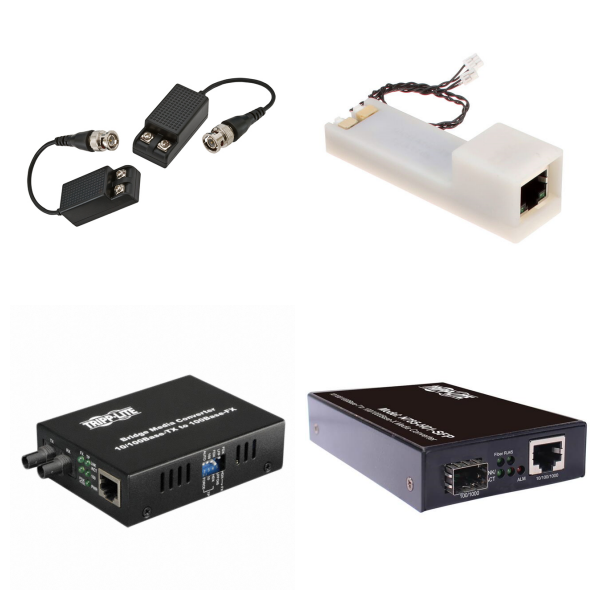
<h1> Media Converters </h1> <p> Media converters convert signals between different transmission media to achieve network expansion, playing a particularly important role when physical cable distances are limited. </p> <p> </p> <h2> 1. What are the Types of Media Converters? </h2> <p> <strong>They are primarily categorized into the following types</strong>: </p> <p> <strong>Optical Converters</strong>: These convert short-distance electrical signals over twisted-pair cables into long-distance optical signals over fiber optic cables, extending transmission distances where Ethernet cables cannot reach. </p> <p> <strong>Automotive Ethernet Converters</strong>: These, such as 100/1000BASE-T1 converters, seamlessly connect in-vehicle ECU systems to standard Gigabit Ethernet devices, supporting fixed low-latency data transmission. </p> <p> <strong>Video and Content Transport Converters</strong>: These are used in broadband metropolitan area networks (MANs), video streaming, and content distribution over wired networks. </p> <p> </p> <h2> 2. What are the Applications of Media Converters? </h2> <p> Media converters are commonly used in the access layer of metropolitan area networks (MANs), data center expansion, and in-vehicle system testing (such as offline testing or hardware-in-the-loop). They rely on connectors (such as LC, ST, and SC) to ensure reliable transmission. For example, fiber access requires splicing optical cables to terminal boxes, which are then connected to media converters via couplers and ultimately to routers or switches. These devices support various configuration options, such as master-slave mode and frame generation, to meet the needs of efficient network management. </p> <p>
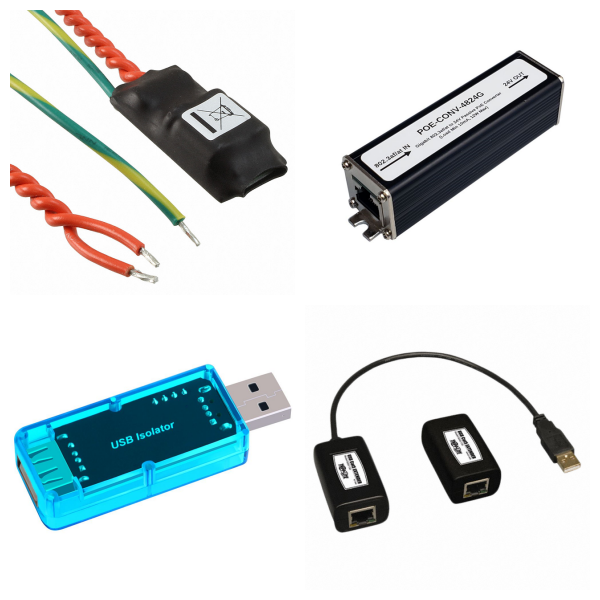
<h1> Miscellaneous </h1> <p> A variety of devices that are related to parts in this category, but do not fit into a specific family. </p> <p>

<h1> Serial Device Servers </h1> <p> Serial device servers (SDSs) are hardware devices that connect traditional serial devices (such as RS-232, RS-422, and RS-485) to Ethernet networks, transparently converting serial protocols between them and TCP/IP, thereby expanding the remote monitoring and management capabilities of these devices. They utilize virtual serial port technology, allowing local devices to connect to the internet without modifying existing software, thus overcoming the limitations of physical cables. </p> <p> </p> <h2> 1. What are the Working Principles of Serial Device Servers? </h2> <p> Serial device servers typically support multiple operating modes, including virtual serial port (VCOM) and TCP/UDP server/client. They also offer high compatibility (such as support for Windows and Linux) and redundant network interfaces to ensure reliable data transmission. For example, dual Ethernet port designs prevent single points of failure, while isolation technologies (such as 1500V optocoupler isolation) provide immunity to electromagnetic interference and high-voltage surges, making them suitable for harsh industrial environments. </p> <p> </p> <h2> 2. What are the Features of Serial Device Servers? </h2> <p> <strong>Protocol Conversion Capabilities</strong>: They seamlessly convert legacy serial protocols to Ethernet protocols, supporting baud rates up to 921.6 kbps to meet real-time data acquisition needs. </p> <p> <strong>Strong Scalability</strong>: Offers multi-port configurations (e.g., 1-64 serial ports), allowing a single port to be accessed by multiple hosts, enabling device cluster management. </p> <p> <strong>Security</strong>: Built-in enterprise-grade protection, such as WPA2 encryption, SSH tunneling, and a firewall, ensures data transmission security. </p> <p> </p> <h2> 3. What are the Application Scenarios of Serial Device Servers? </h2> <p> <strong>Serial device servers are widely used in the following application scenarios</strong>: </p> <p> <strong>Industrial Automation</strong>: Connects to PLCs, sensors, or instruments for real-time monitoring of production line parameters (such as temperature and pressure), improving efficiency and quality control. </p> <p> <strong>Smart Buildings and Homes</strong>: Integrates with access control, elevators, or smart metering systems for remote control and energy management. </p> <p> <strong>Critical Infrastructure</strong>: Applications such as energy storage systems (BMS integration) and computer room dynamic and environmental monitoring ensure uninterrupted operation through redundant power supplies and a wide operating temperature range (-40°C to 70°C). </p> <p> </p> <p> High-end products also support wireless networking (802.11b/g) and domestically produced platforms (such as the RK3588 processor), promoting edge computing and intelligent upgrades. During installation, you need to configure hardware connections and network parameters (such as IP address). It is not plug-and-play. </p> <p>
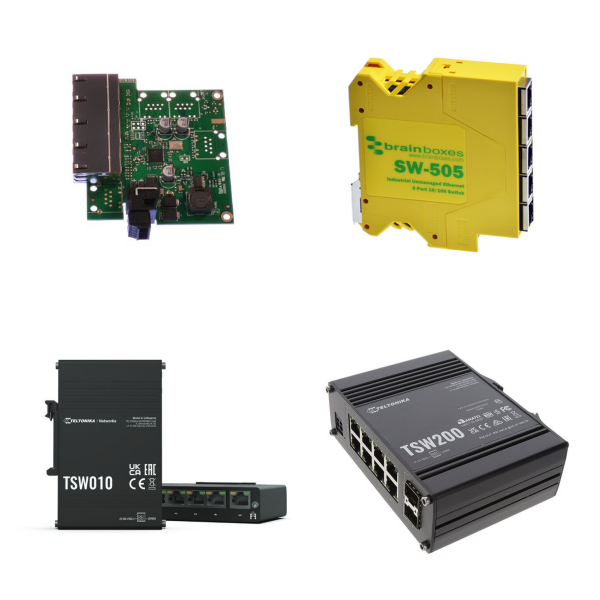
<h1> Switches, Hubs </h1> <p> "Switches" and "Hubs" are two important types of network interconnection devices, commonly used to build and manage local area networks (LANs). </p> <p> </p> <h2> 1. What are Hubs? </h2> <p> <strong>Definition</strong>: A hub is a basic device used in star-topology networks, connecting multiple computers or network nodes. </p> <p> <strong>Working Principles</strong>: It broadcasts received data packets to all connected devices, unable to filter or intelligently forward data, resulting in bandwidth sharing and potential efficiency loss. </p> <p> <strong>Applicable Scenarios</strong>: Suitable for small networks with low data traffic. </p> <p> </p> <h2> 2. What are Switches? </h2> <p> <strong>Definition</strong>: A switch is a hardware device dedicated to data forwarding, implementing filtering, learning, and forwarding tasks through hardware. It was formerly known as a bridge. </p> <p> <strong>Working Principles</strong>: It intelligently identifies target devices based on MAC addresses and forwards data packets only to specific nodes, providing dedicated bandwidth and reducing network congestion. </p> <p> <strong>Advantages</strong>: Compared to hubs, it significantly improves data transmission efficiency and security, making it suitable for medium-sized and larger networks. </p> <p> </p> <h2> 3. Key Differences between Switches and Hubs </h2> <h3> 1) Bandwidth Management: </h3> <p> A hub uses a shared bandwidth model, with all devices competing for the same bandwidth resources. </p> <p> A switch provides dedicated bandwidth, with each port independently allocated resources. </p> <p> </p> <h3> 2) Data Filtering: </h3> <p> A hub cannot filter data, and its broadcasting method can easily result in redundant transmissions. </p> <p> A switch uses MAC addresses for precise filtering, sending only to the intended device. </p> <p> </p> <h3> 3) Performance Impact: </h3> <p> A hub's performance significantly degrades as the number of devices increases or the amount of data increases. </p> <p> A switch optimizes data transmission paths, supporting efficient scalability. </p> <p> </p> <p> In summary, switches and hubs play complementary roles in network architecture, but the latter is gradually being replaced by the former due to its simplicity. </p> <p>
Networking Solutions
The Network Solutions product category includes devices used to establish information connections between devices, data sources, and data sinks. Included products include switches, hubs, and routers used to establish connections between numerous devices that communicate using similar protocols, media converters used to connect devices that communicate over different media (such as fiber optics and twisted pair copper conductors), and servers used to connect devices that communicate using protocols of varying complexity (such as RS232/422/485 to Ethernet or USB).